

How-tos
Black Friday sale ads with AI: eight templates, Seedream 5.5 and a 20% bonus
Add one product photo to a ready-made template and get a vertical sale ad, still or moving, with the scene, camera and timing already done.
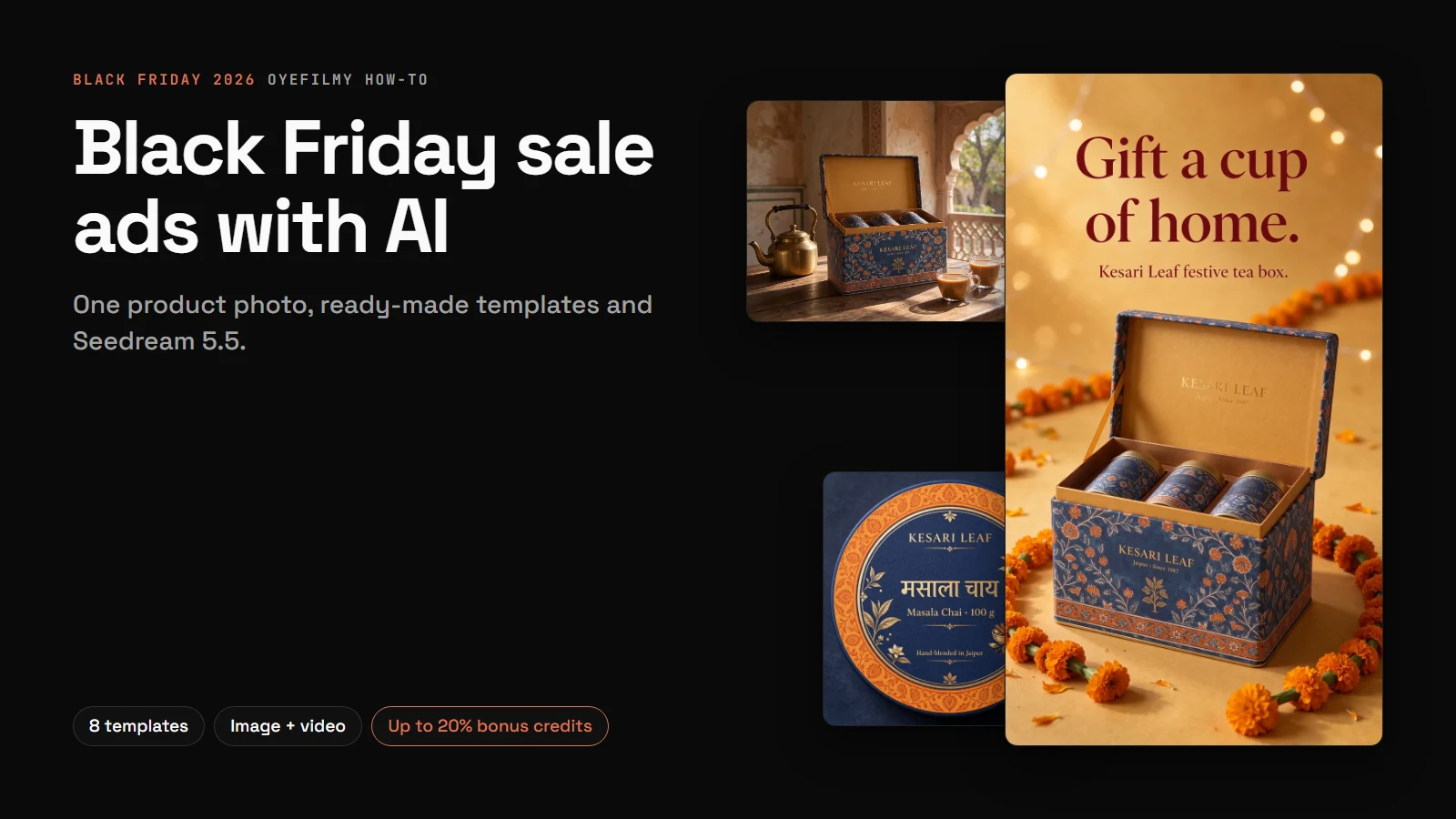
The eight Black Friday templates
Each template is a finished ad idea: the scene, the camera, the lighting and, for video, the motion and the sound. You bring one thing, a clear photo of your product. Every image template makes a vertical 9:16 picture, ready for Stories, Reels covers and WhatsApp status.
| Template | Type | What it makes | You add |
|---|---|---|---|
| Giant Vending Machine | Image | A giant city vending machine stocked with your product, recoloured to your brand | Up to 2 product photos |
| Claw Machine Prize | Image | An arcade claw machine grabbing your product, the machine in your brand colours | Up to 2 product photos |
| Billboard Hand-Off | Image | Seen from a city bus: a model on a giant billboard reaches out and hands your product to the camera | Up to 2 product photos |
| Shopping Bag POV | Image | Looking up from inside a shopping bag as a hand reaches in and holds your product out | Up to 2 product photos |
| Giant Vending Machine Drop | Video, 8 s | The button is pressed, the lights flash and a giant product drops onto the street | 1 picture |
| Claw Machine Win | Video, 14 s | The claw dives in, grabs your product and the machine lights up with a win jingle | 1 picture |
| Billboard Hand-Off Ride | Video, 6 s | From a moving bus, the billboard model reaches out and hands your product to the camera | 1 picture |
| Shopping Bag POV Reveal | Video, 6 s | The bag swings, lands, and a hand pulls your product out | The last frame |
The video templates pair with the image ones. Make the still first, check that your product and its label came out right, then give that picture to the matching video template. Shopping Bag POV Reveal asks for its last frame: the Shopping Bag POV picture you just made is exactly that.
How a template works, step by step
- 1Pick
Open a template on the Black Friday page.
- 2Add your product
One clear photo, label readable.
- 3See the price
Shown on the button before anything runs.
- 4Generate
Pictures take seconds; video takes a few minutes.
- 5Keep it
The result lands in your Library to download or edit.
- Use a daylight photo, straight on, nothing else in the frame. A phone photo is fine.
- Two photos help on the image templates: the front and a three-quarter view give the model the shape as well as the label.
- Check the label letter by letter before you make the video. If one character changed, run the picture again; it is cheaper than a video.
- If a generation fails, its credits come back to your wallet automatically.
You do not need to write a prompt: the template carries it. If you would rather direct the scene yourself, the next section shows how.
Your own sale pictures with Seedream 5.5
The image templates run on Seedream 5.5 Edit, and you can use it directly in the Image studio for anything the templates do not cover: a product on a festive table, a sale poster with your own headline, a label in Hindi. It takes up to 10 pictures as the subject, style or reference, renders text cleanly, and goes up to 4K. Seedream 5.5 Layers splits a finished picture into transparent layers you can move around.
These three pictures are from our Seedream 5.5 vs GPT Image 2.6 test, made for a fictional Jaipur tea brand. The prompts are exactly as we sent them.
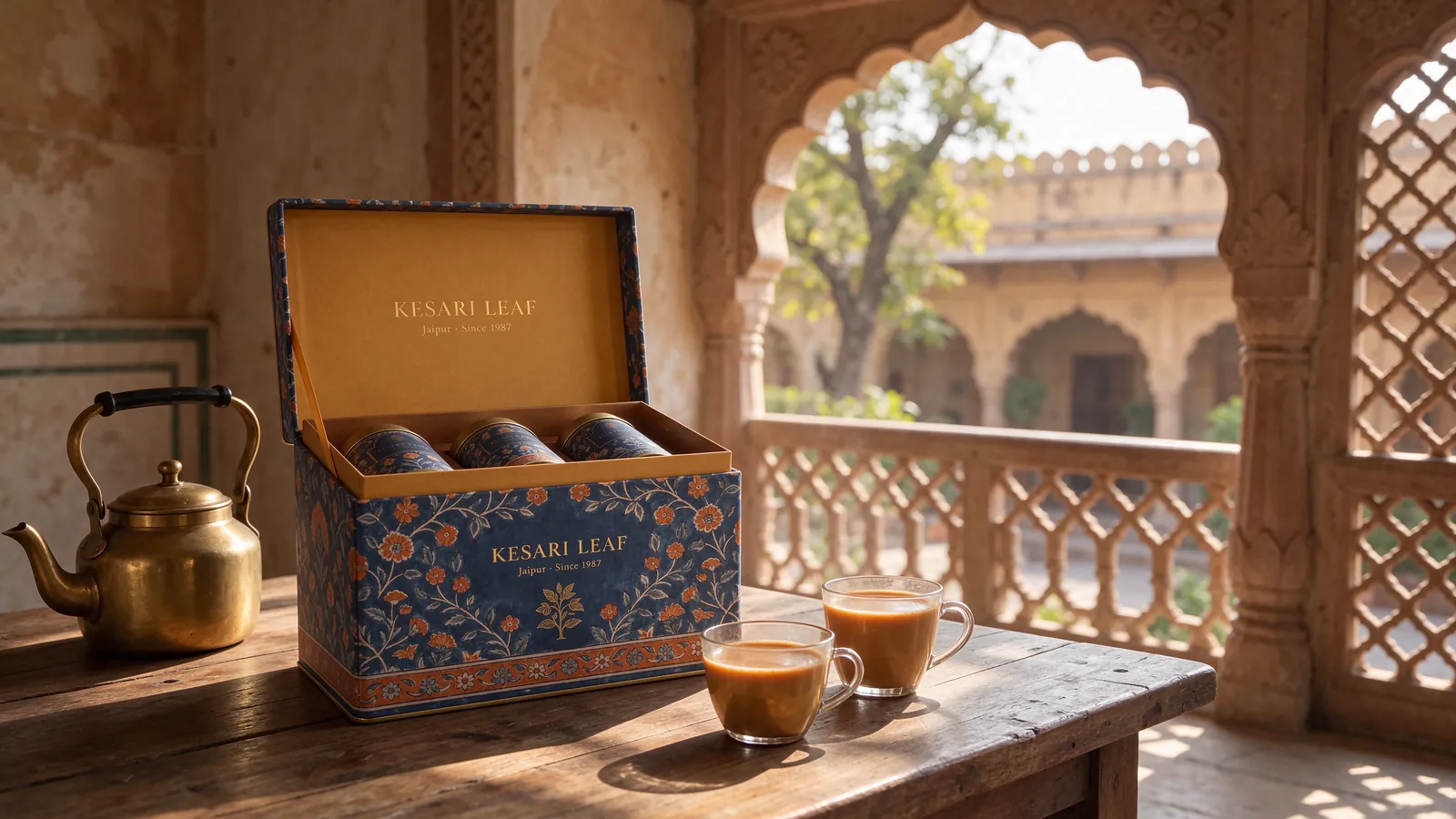
Place this exact tea gift box on a wooden table in a sunlit Jaipur courtyard, with a carved jharokha window behind it, a brass kettle and two small glasses of masala chai beside it. Keep the box, its block-print pattern, its colours and the KESARI LEAF lettering exactly as they are. Natural late-morning light, lifestyle product photography.
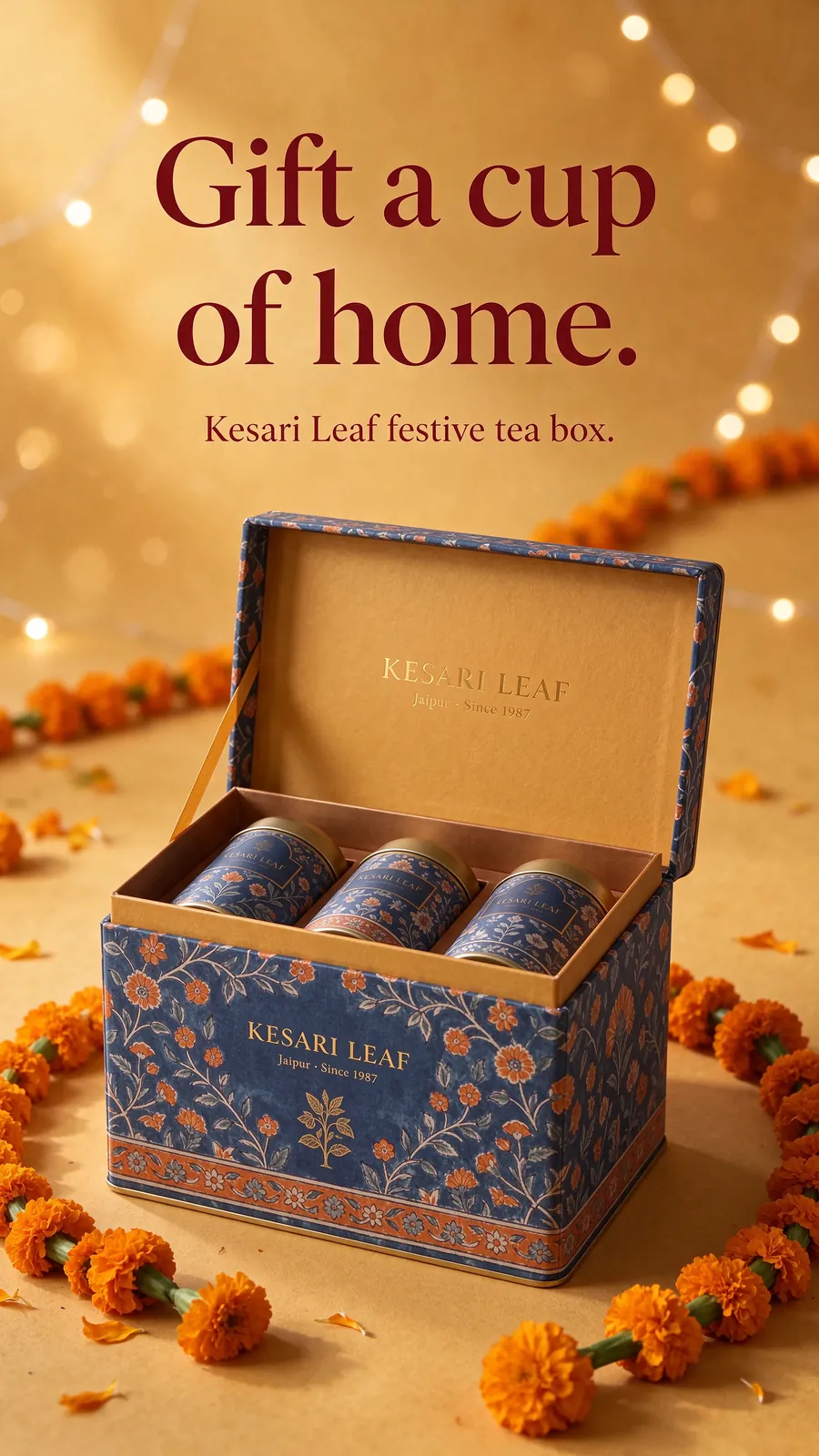
Turn this into a festive campaign poster. Headline in large serif letters at the top: Gift a cup of home. Under it, smaller: Kesari Leaf festive tea box. The same gift box sits in the lower third on a warm saffron background, with marigold garlands and soft bokeh lights. Keep the box exactly as it is, with its pattern and KESARI LEAF lettering.
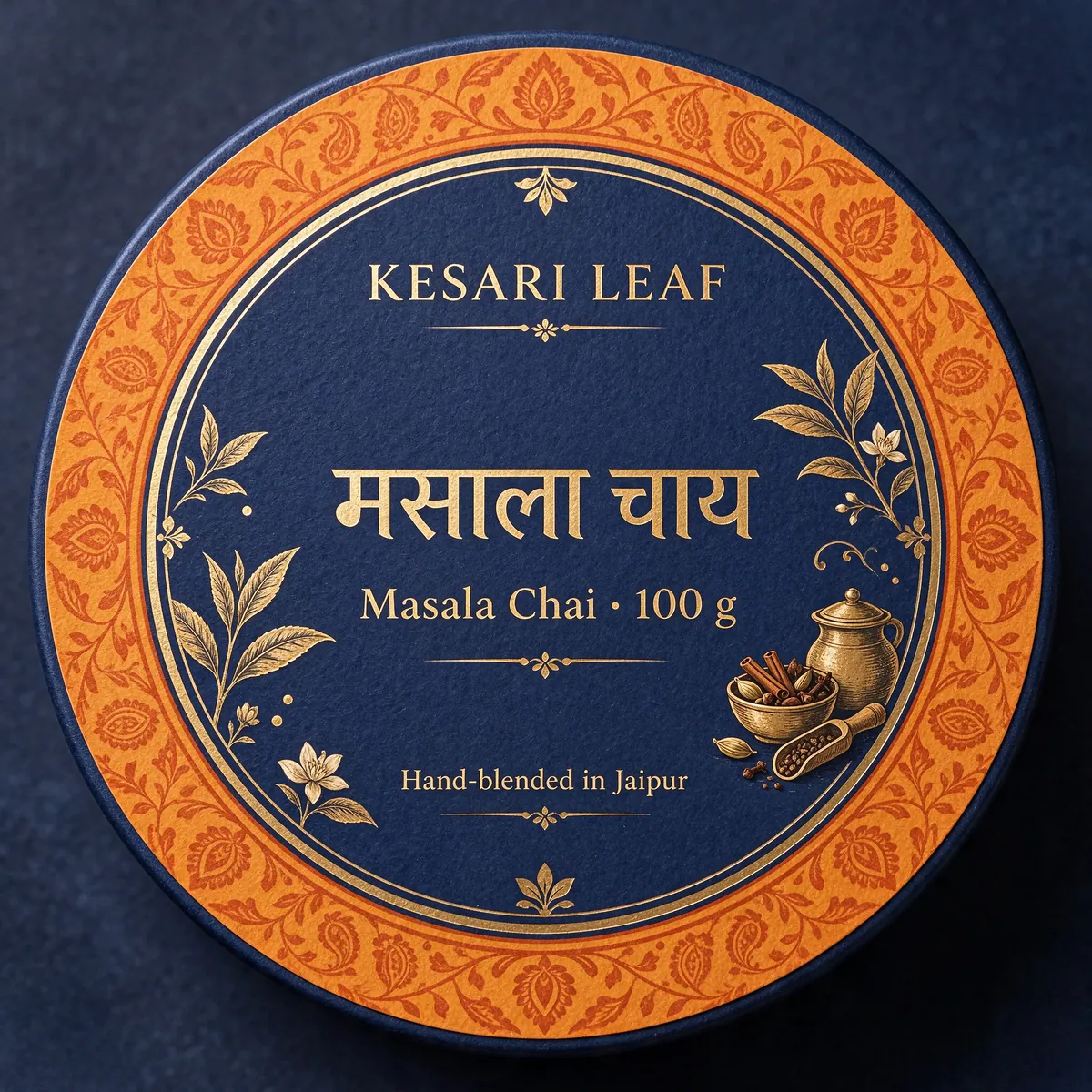
For a Black Friday version, change the headline and keep the rest: "Black Friday: 30% off, this week only" works the same way. Spell out every word you want on the picture, and say where it goes. More on the image models on the AI image generator page.
Five things that make a sale ad work
- One offer, said once. "30% off till Sunday" beats three discounts in one frame.
- The product, not the logo, in the first second. People scroll past a logo.
- Vertical first. Make 9:16 for Reels, Shorts and Stories; reframe for the feed afterwards.
- Put the price and dates in the edit, not in the video prompt, so they stay sharp and are easy to change.
- Say when a person in the ad is AI-made, and never present an AI person as a real customer.
Want a longer ad than a template makes? How to make a product video ad from one photo walks through a full 15-second ad: hero image, clips, voice, music and the edit. The AI video generator page lists every video model.
The Black Friday top-up bonus
From 26 November, 5:30 am IST, to 1 December, 5:30 am IST, three top-ups on the Black Friday page come with bonus credits. 1 credit is worth ₹1.
| Tier | You pay | Bonus | Credits in all |
|---|---|---|---|
| Basic | ₹1,000 | +100 (10%) | 1,100 |
| Starter | ₹5,000 | +750 (15%) | 5,750 |
| Growth | ₹25,000 | +5,000 (20%) | 30,000 |
- Each tier once per account. You can buy Basic, Starter and Growth once each.
- Bonus credits work on everything, every model and tool, like any top-up.
- Credits arrive as soon as the payment is confirmed. Outside India you pay in your own currency without GST.
Questions
Do I need to write a prompt to use a Black Friday template?
No. The template carries the scene, camera and sound. You add a photo of your product and press Generate.
What size are the Black Friday ads?
Vertical. The image templates make a 9:16 picture and the video templates make 9:16 clips at 720p, ready for Reels, Shorts and Stories.
How much does a Black Friday template cost?
The normal price of the model it runs on, Seedream 5.5 Edit for pictures and Seedance 2.5 Flash for video. You see the price before you generate.
When does the Black Friday bonus run?
From 26 November 2026, 5:30 am IST, to 1 December 2026, 5:30 am IST (26 to 30 November in UTC).
Can I buy more than one bonus tier?
Yes. Each tier can be bought once per account, so one of each is fine.
Do I need a paid plan to use the templates?
No. Any OyeFilmy account can use them, and new accounts get three days of full access without a card.
Make your Black Friday ad
Pick a template, add your product photo and generate. Top up from 26 November for up to 20% more credits.